You can manage what AI features your colleagues have access to via the AI Assistants Permissions area.
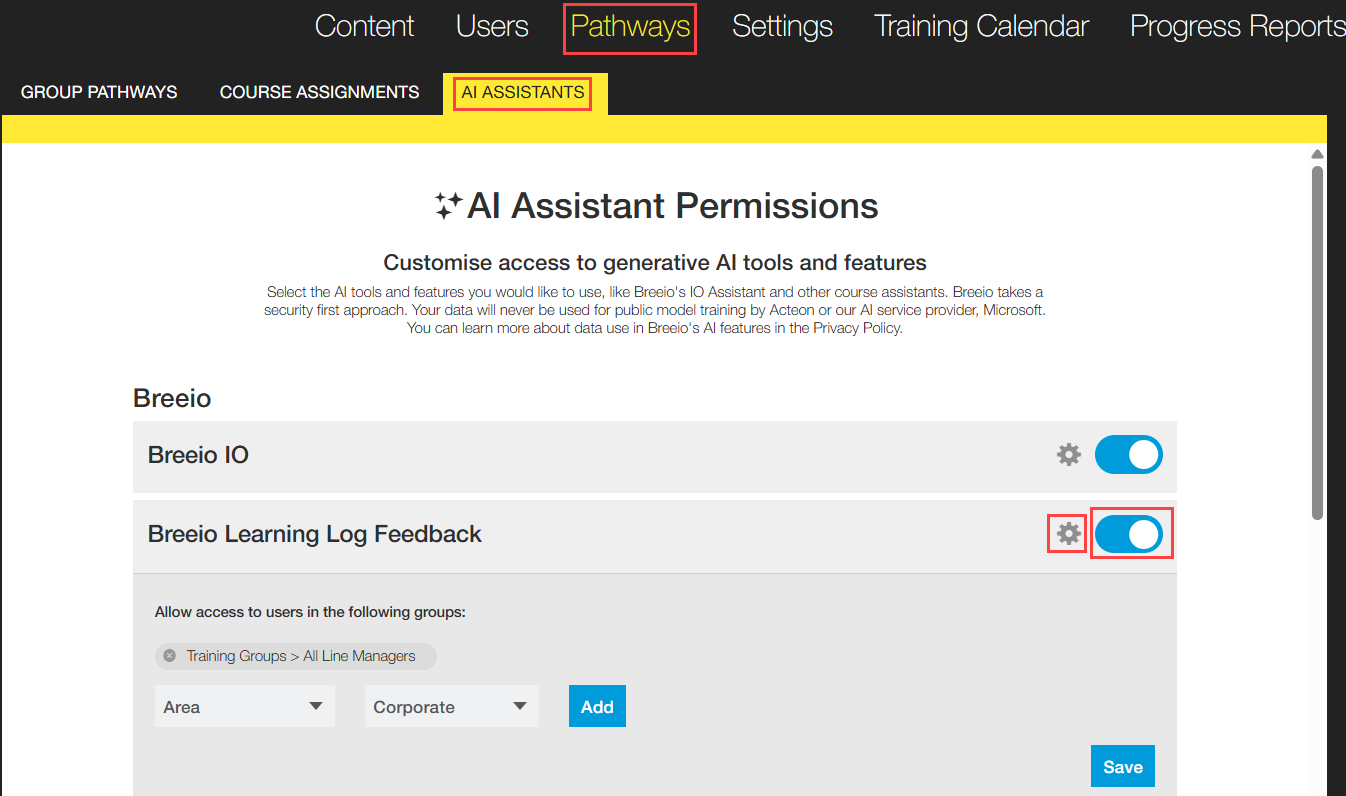
Go to Pathways and click on the AI Assistants tab.
Breeio AI features are listed first - use the toggle to either switch the feature off for all users or click on the settings icon to give permission to specific groups.
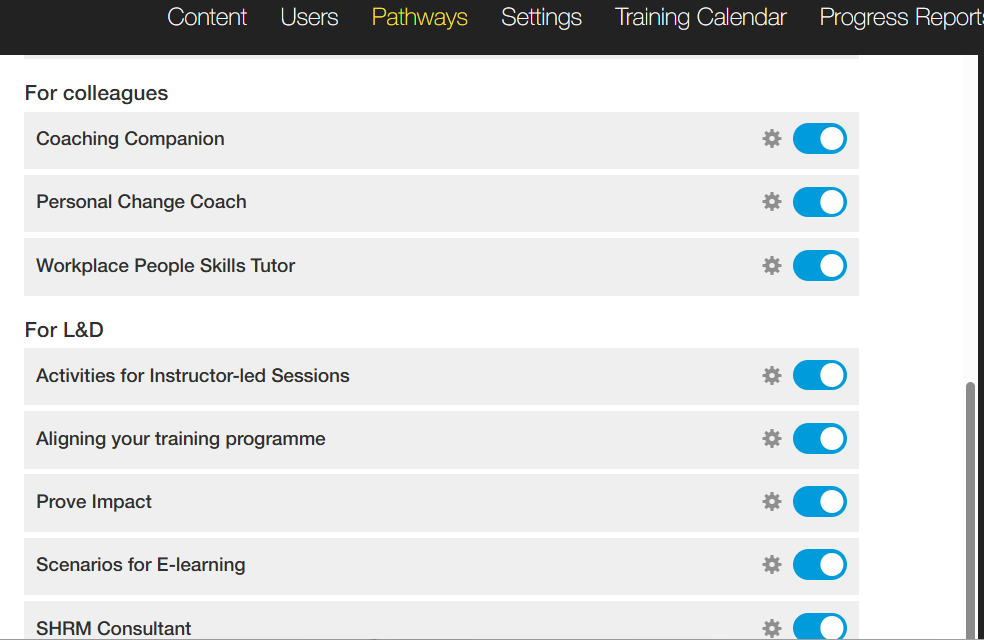
The next section gives you the ability to switch off or give permissions to specific groups to the AI Assistants that can be accessed via the homepage. As above you can use the use the toggle to switch off the feature or use the settings icon to make it available to specific groups.
See also...