Breeio comes with an AI Assistants library designed specifically for colleagues, managers and the L&D team. For example, colleagues have access to an AI Coach, designed to be used alongside traditional coaching, or where coaching is not viable for all colleagues. The AI Coach follows the GROW model and asks questions to help colleagues form a plan for progressing towards their goals and objectives.
Learners can access the AI Assistants using the drop down navigation menu:
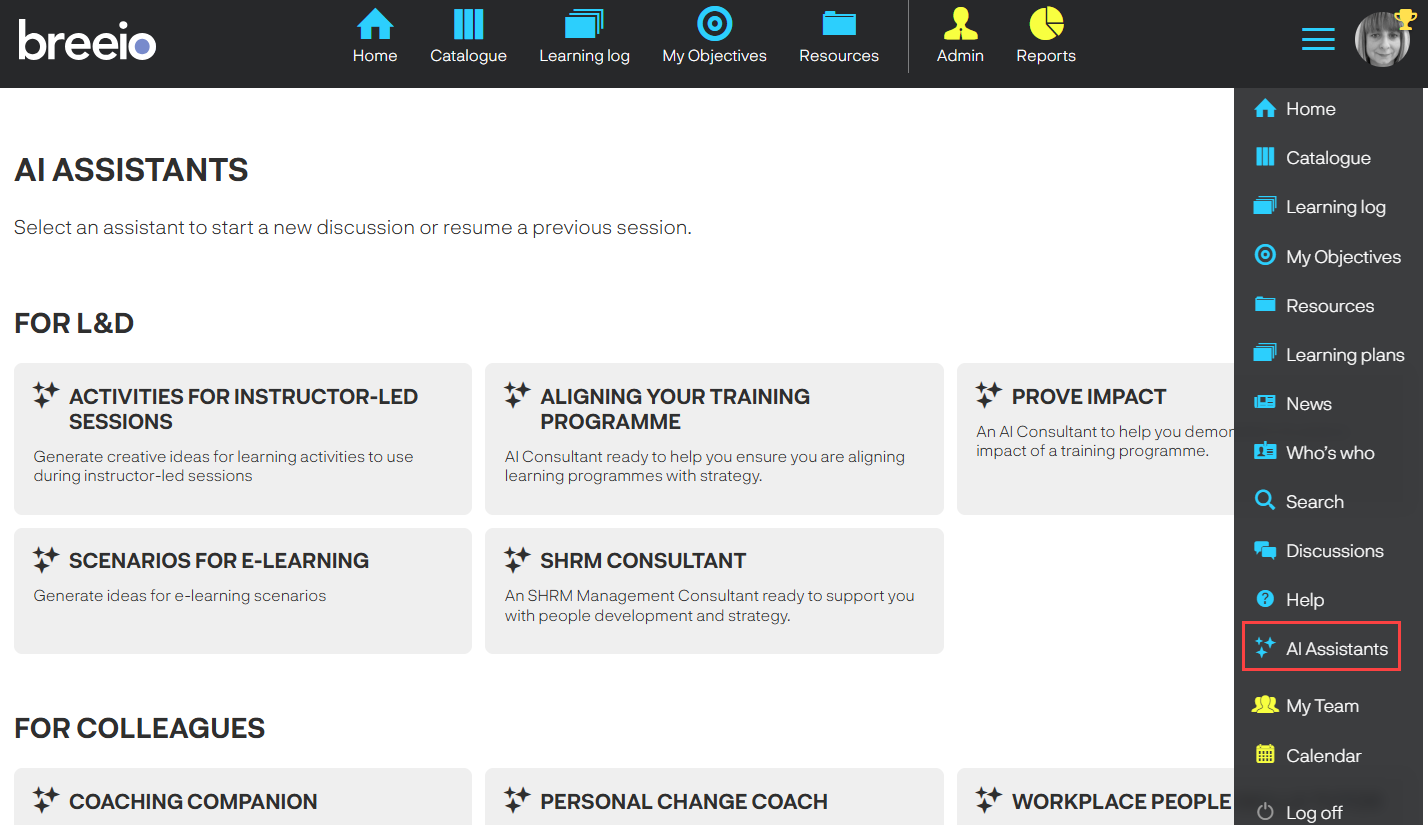
Learners select an assistant to start a new discussion with the coach or resume a previous discussion.
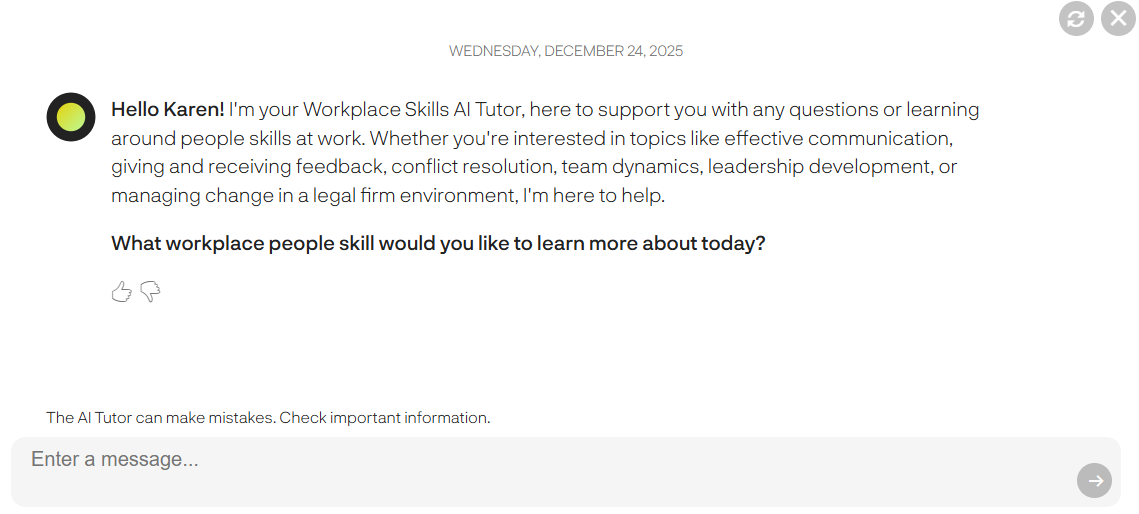
Managing permissions to the AI Assistants
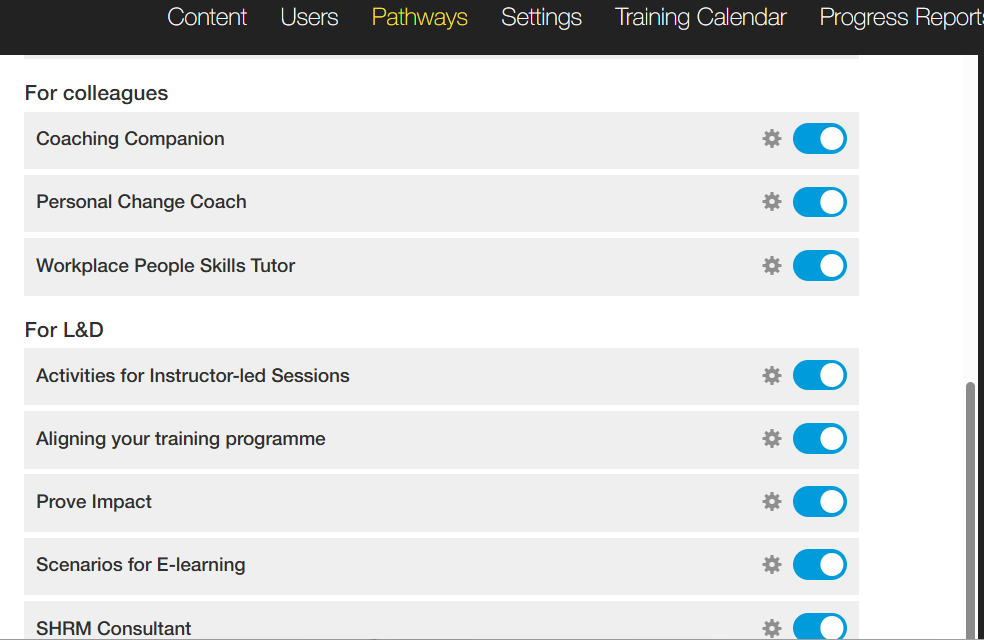
Go to Pathways and click on the AI Assistants tab to manage which assistants your learners have access to. You have the ability to switch off the Assistant so it's not visible to anyone or you can use the settings icon to give access to specific groups of learners.
Top tip
To encourage engagement with this excellent tool you could create a Content Panel for the Homepage - simply copy the URL of the AI assistant page and paste it into the Weblink URL field. Learners can access the page directly from the Homepage.

See also...